Chrome Web Store reviewer guide
CWS Scout
Capture visible Chrome-Stats pages into local competitor research reports.
Reproducible Test Steps
- Open a Chrome-Stats extension detail page.
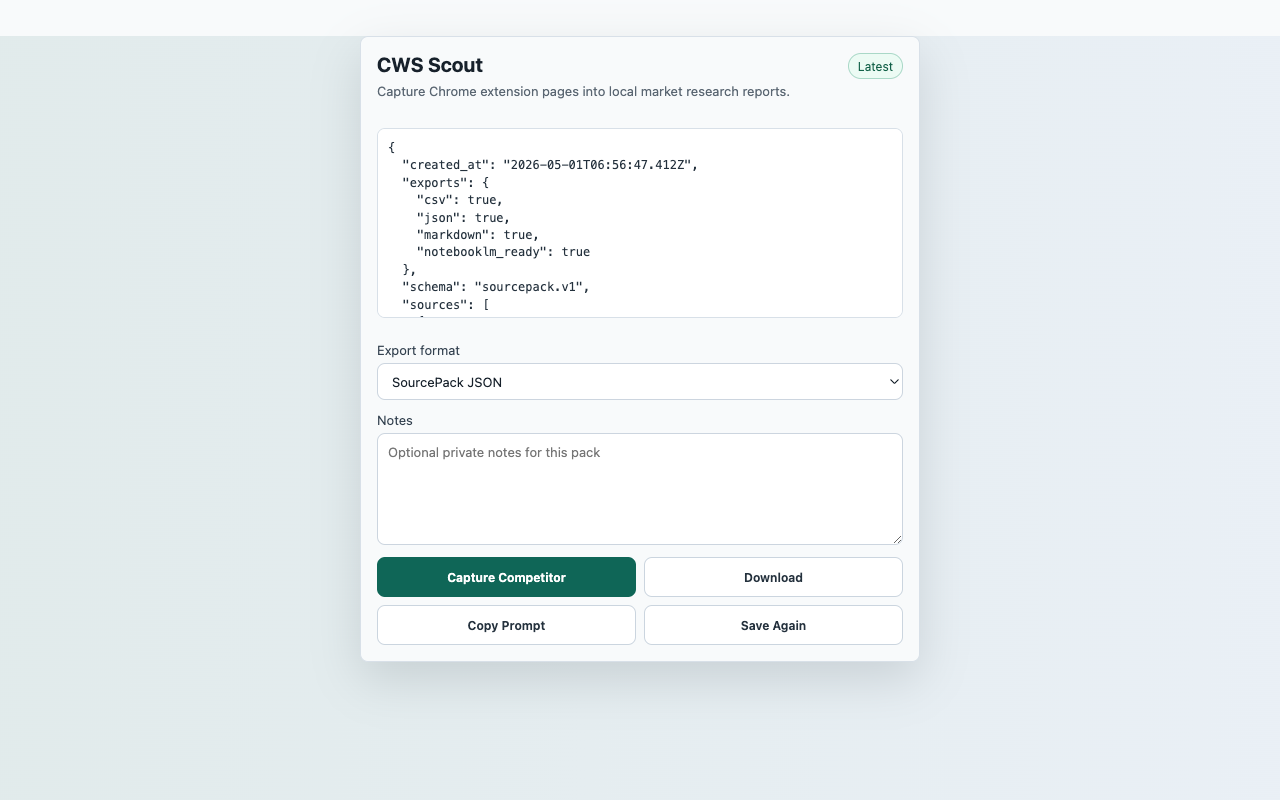
- Click the CWS Scout toolbar action and choose Capture Competitor.
- Verify the preview contains page notes and any visible metrics.
- Download JSON or Markdown.
- Confirm the extension does not request persistent host permission.
Expected Result
- Visible users, rating, and rating count are captured when present.
- Missing metrics remain blank instead of being inferred.
- No background crawling or server upload occurs.
CredentialsNo SourcePack account, API key, backend, or paid service is required. CWS Scout only reads visible Chrome-Stats page text after user action.
User actionCapture starts only after the reviewer clicks Capture Competitor.
Data locationRecent captures in chrome.storage.local
Network postureNo captured page, chat, repo, transcript, table, or competitor content is uploaded to a SourcePack server.